I love testing the latest small on-device LLMs. Usually, I stick to open-source drops, but recently I decided to test Apple’s own foundation model. I was surprised by the result: it is quite competitive for specific, low-latency tasks.
I realized that for the majority of daily communication, I didn't need a powerful chatbot; I needed a smart "autocomplete." So, I built a wrapper for myself called Offline Assistant.
The Problem: "Copy-Paste" Fatigue
We all have a set of questions we answer ten times a day. The problem is, they come from everywhere: iMessage, WhatsApp, Instagram, Email, and you are constantly switching apps to copy-paste the same answers.
The Solution: One Brain, Everywhere
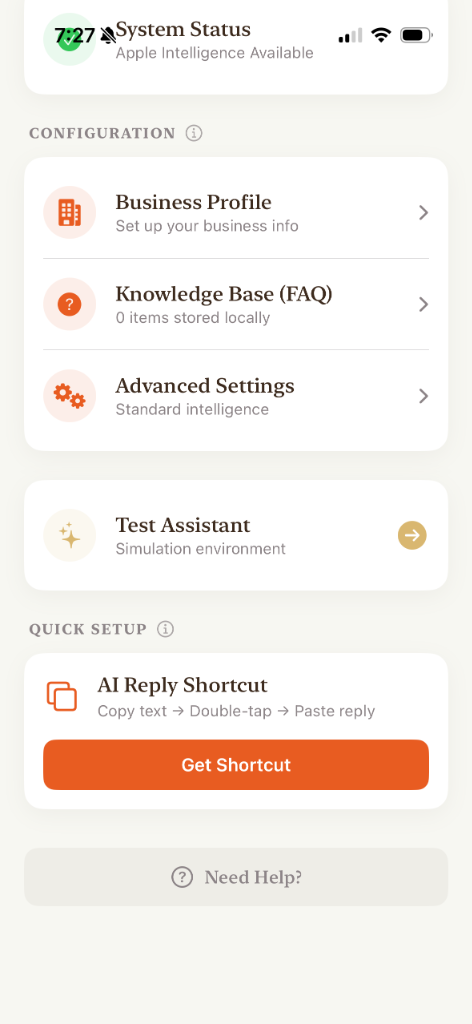
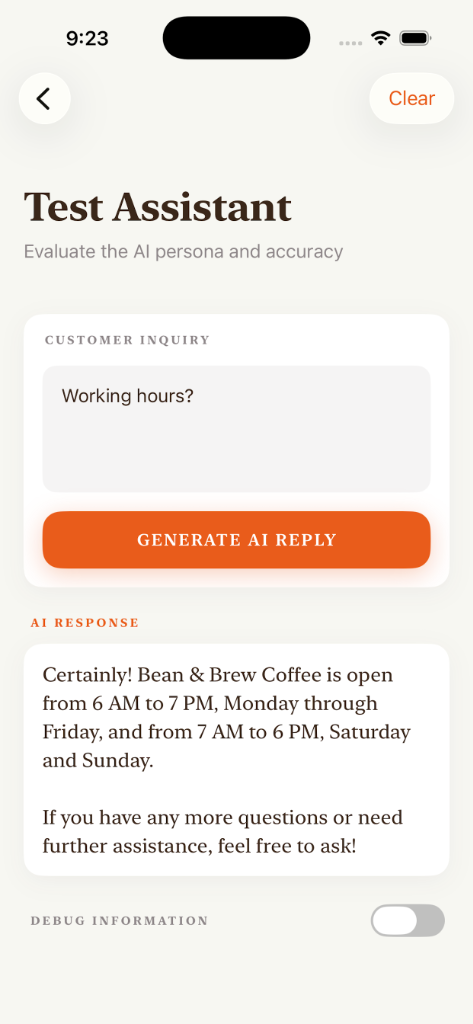
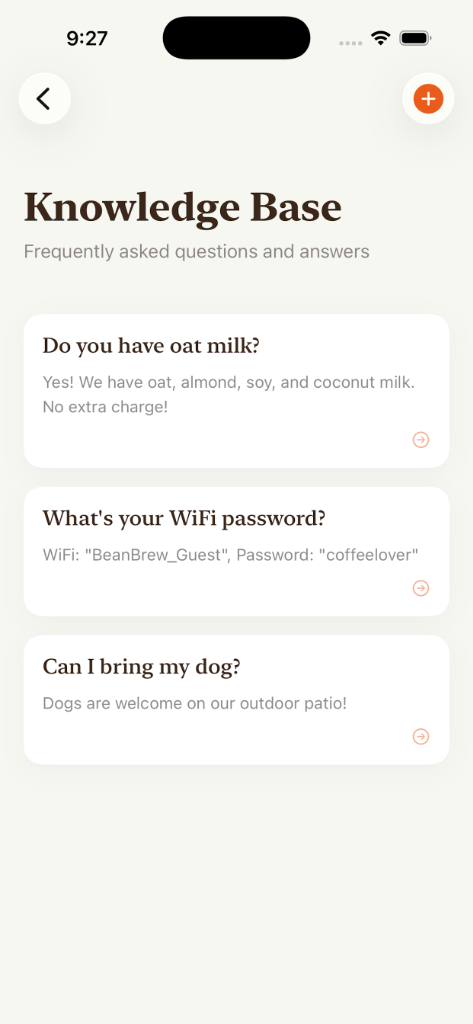
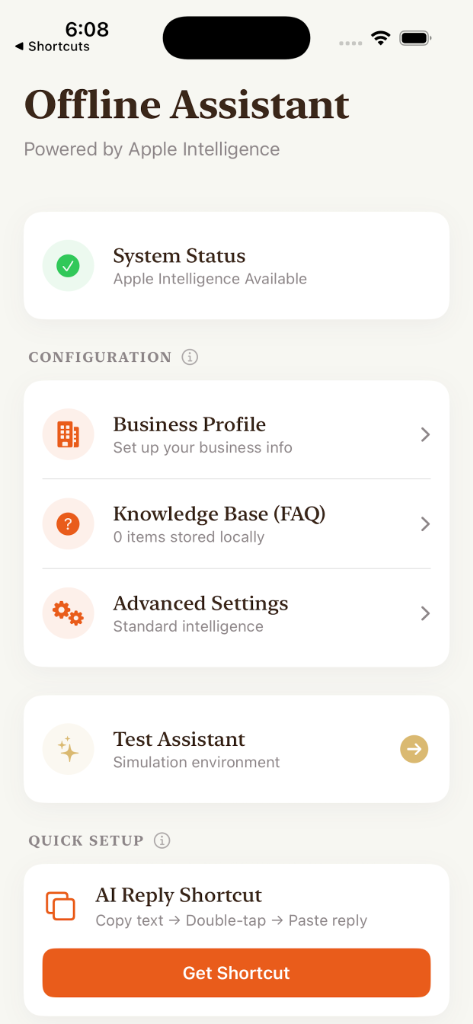
I designed the app to be a central "Knowledge Base" for your specific context. You load your business info and FAQs once, and the AI uses on-device semantic search to generate the reply.
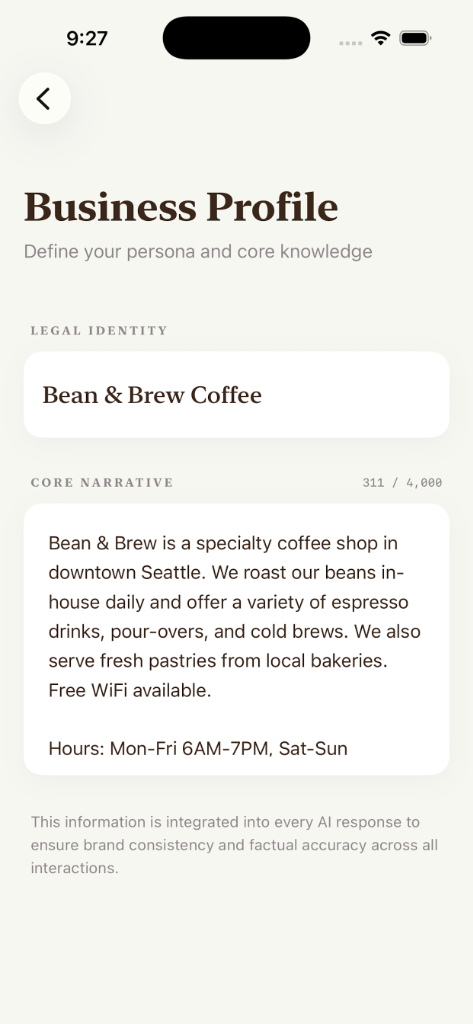
Real-World Use Cases
- The Swim Instructor: Parents ask, "What’s the price?" or "Is the pool heated?" The AI knows your rates and location and drafts a polite reply instantly.
- The Tennis Court Manager: Players ask, "How do I book a slot?" The AI pulls the rules from your FAQ and generates a response regarding your cancellation policy.
- The Marketplace Seller: "Is this available?" "What are the dimensions?" The AI checks your FAQ and replies with item details.
- The Rental Host: "What is the Wifi password?" "Where do I park?" You generate a consistent, friendly answer instantly without typing.
The Workflow (Zero UI)
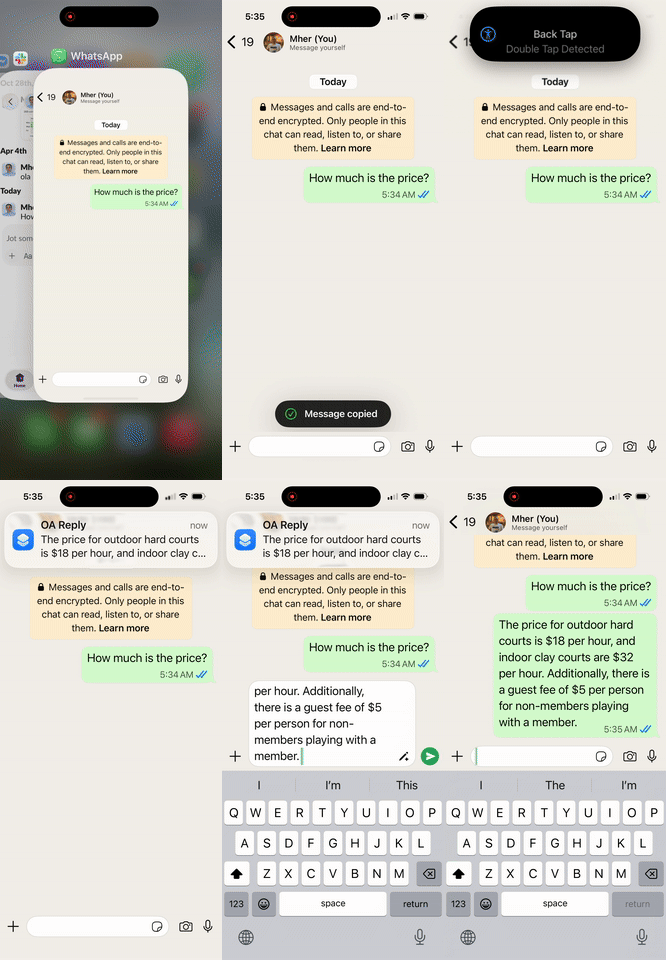
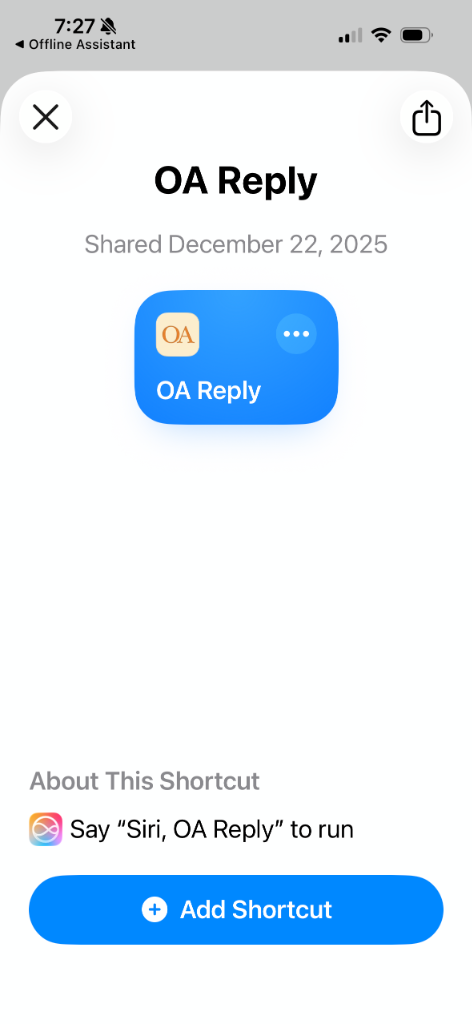
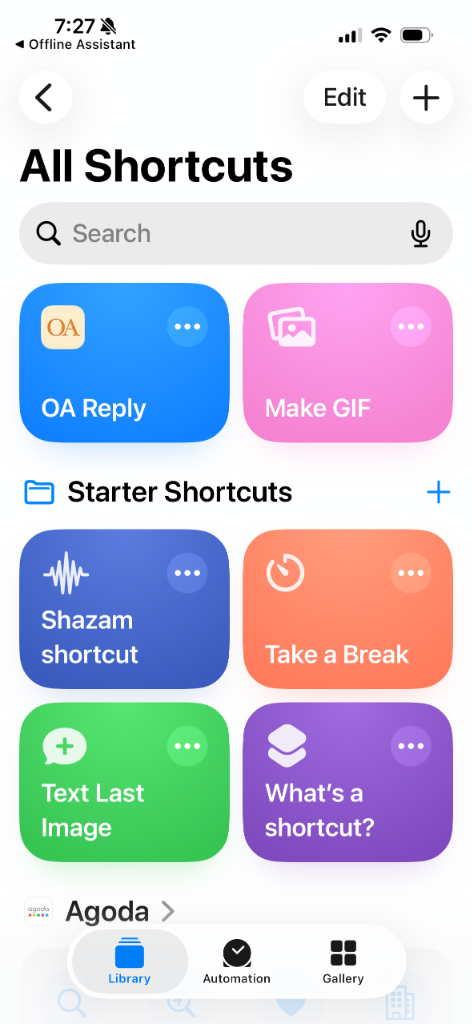
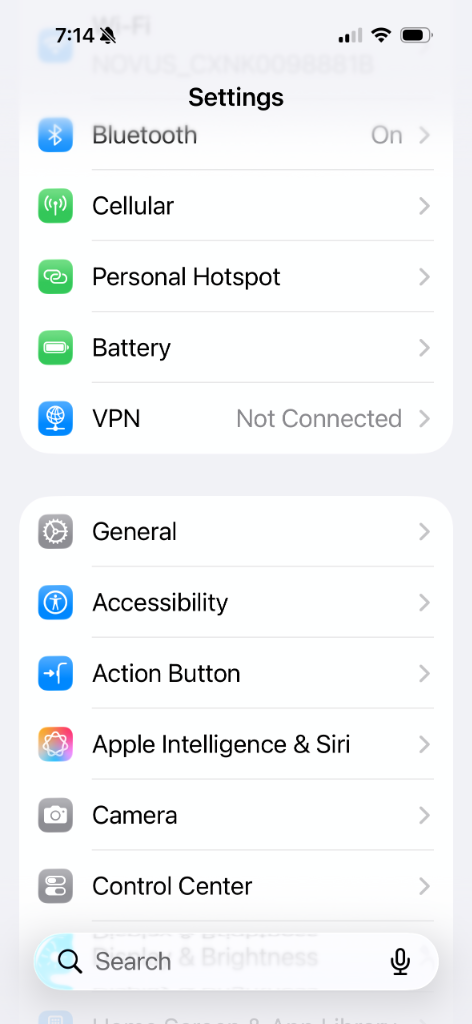
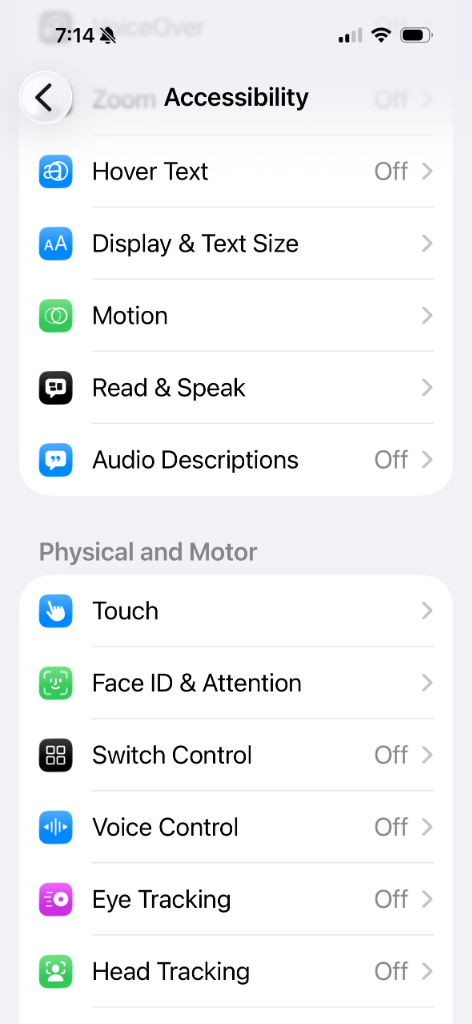
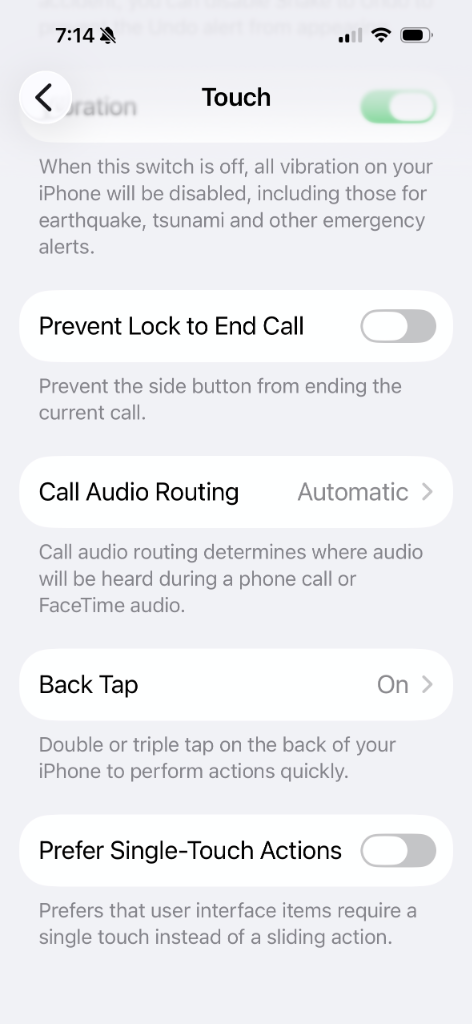
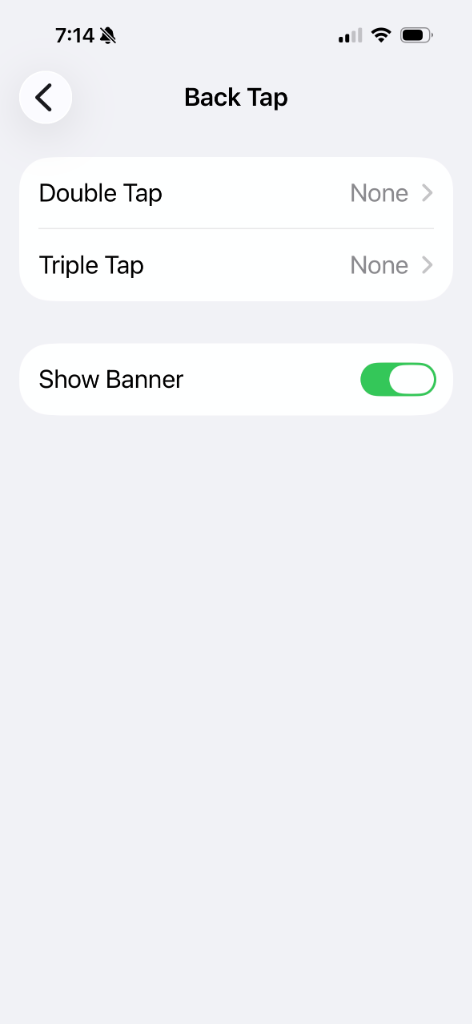
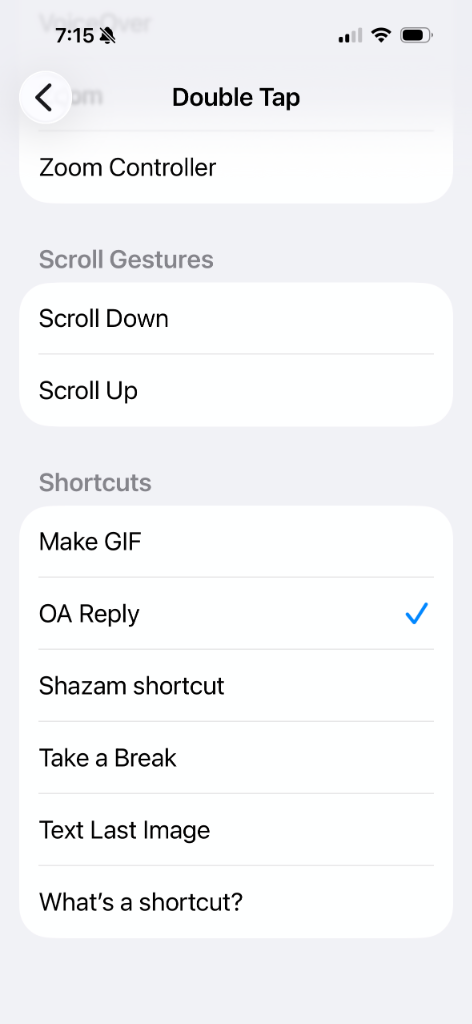
The best part is that you never actually have to open the app. It integrates with Apple Shortcuts and Back Tap:
- Copy the customer's message.
- Double-tap the back of your iPhone.
- Paste the generated reply.
Under the Hood
Architecture: Hybrid RAG architecture with on-device
embeddings.
Privacy: 100% offline. No API calls, no cloud
servers.
Model: Apple’s foundation model via the Neural
Engine.
Constraints: 4096 tokens context window. Perfect
for "one-shot" answer generation.